


Why we built Homemade
The story behind Homemade: every task gets its own cloud computer with your project running, and a link you can send instead of a pull request.
Homemade team
4 min readNews
I got tired of one question. "Can you show me?"
An agent finishes a task and I want to see it. What I get is a diff. To see the app, I wait for a preview build, or I pull the branch and run it myself. A lot of cloud agent setups work the same way: you can't see the work until it turns into a pull request, or you push straight to main if you are brave.
That doesn't work for me, because I still need to see what the app does. Did the migration go through on the new branch? Does my teammate hate the layout? I'd like their opinion before I open yet another PR.
The pull requests keep coming
With agents, we all open a lot more pull requests. GitHub's Octoverse 2026 counts 1.3 billion merged pull requests in the 12 months to 30 September 2026, up from 538 million a year earlier and 402 million the year before that. Waiting for each one to deploy, and paying for a full preview stack, just to hear that a button looks bad, is slow.
What it costs to run everything yourself
I tried it all. Here is where it hurt.
Everyone needs the same setup. Install nvm, the Supabase CLI, keep every version aligned, or it works on John's machine and breaks on mine. Docker helps, and brings its own pile of problems.
Your laptop runs one copy of the project, maybe two. But with agents I'm usually on three features, six bug fixes and four experiments. Each one wants RAM, CPU and a database of its own.
Then ports. Everyone has handed out ports by hand for parallel work, and then a stale process on one service blocks the next one.
Worktrees are good for writing code in parallel. They are bad for testing, because you end up stopping one and starting another, or inventing random ports again. Agents also forget to clean them up after a long session. Databases have the same problem: one per branch, and nobody removes them.
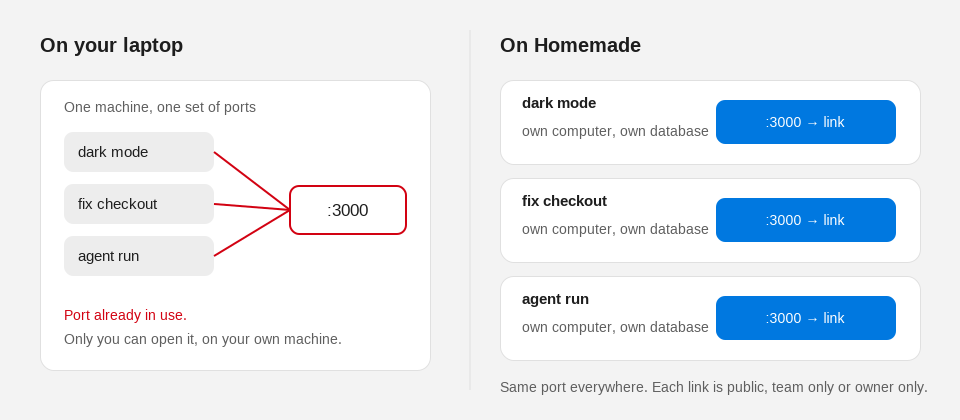
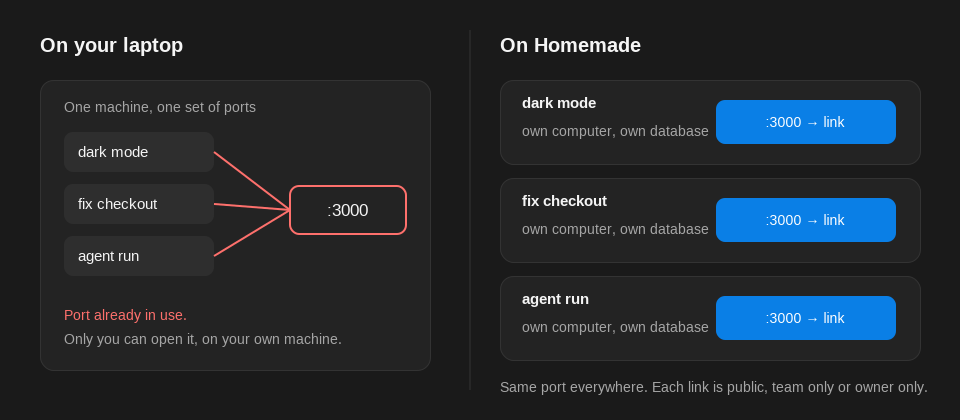
Sharing is the worst part. To show a branch to someone, or to try it on your phone, you need a tunnel, DNS settings, or you type 192.168.1.85:3004 into Safari on your iPhone. Horrible.
And if you fix all of that for one project, nobody works on one project anymore. The next one needs the same ports, worktrees and memory caps all over again.
What Homemade does instead
Homemade is meant to be your main workspace. You open it, pick a project, and work on a task on the same setup your teammates use. Each task gets a Linux computer of its own, with its own disk, so every one of them can use port 3000 without a fight. Computers are ready in seconds, with your whole project running.
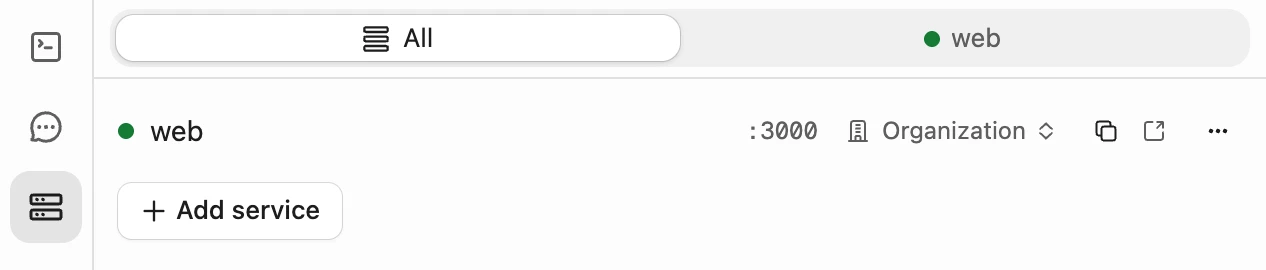
Every service gets a link. You choose whether it is public, team only or owner only, per service. Send it to a teammate, or open it on your phone. You don't need a pull request or a tunnel.
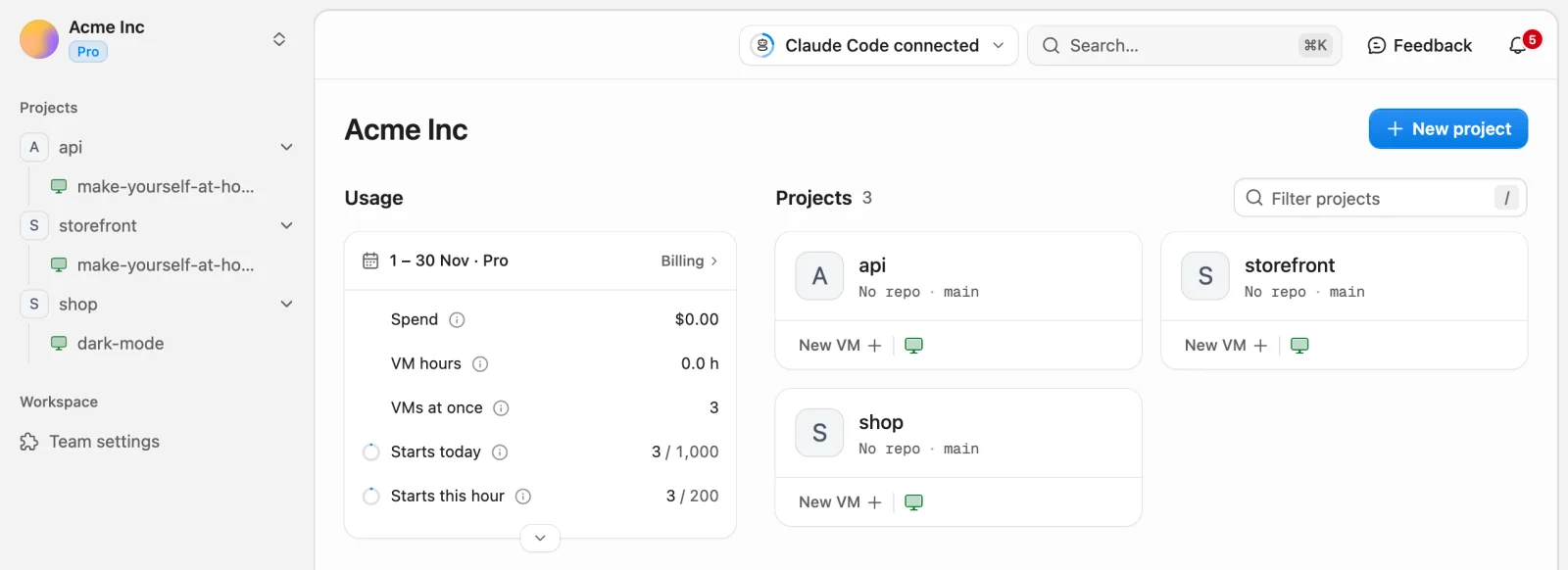
You have projects, so a second project works the same as the first. You have teams, so the whole group sees the same computers and the same usage.
The tools are already there
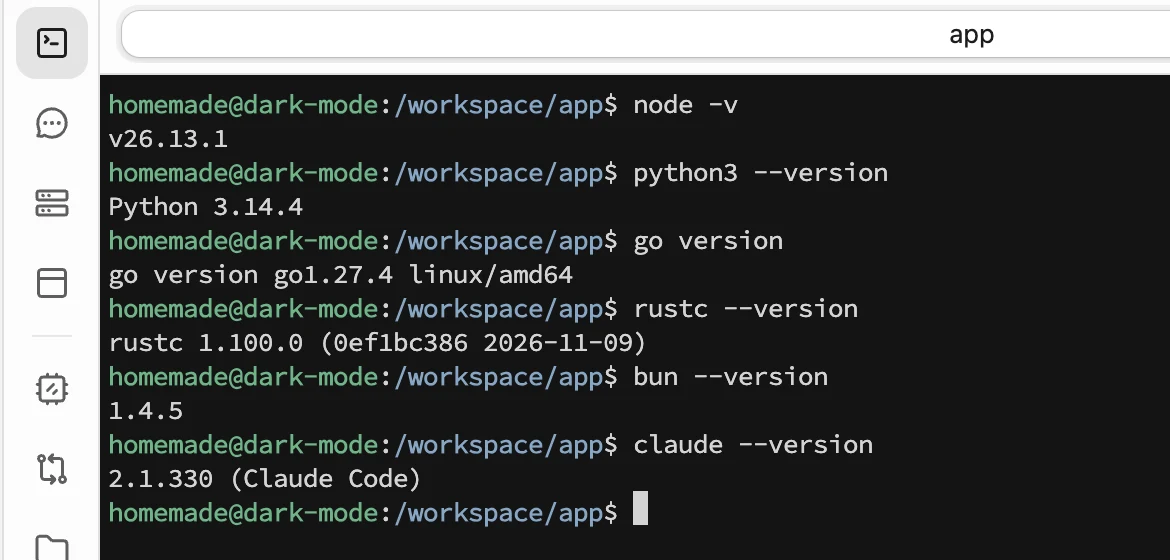
A new computer comes with Node, Python, Go, Rust, Bun and Deno, plus Java, Ruby, PHP, Erlang, ffmpeg, cmake, Chromium, Docker, gh, pnpm and uv. Some of those install the first time you use them, so a computer only carries what you need. Claude Code, Codex, OpenCode, pi, Kimi and Grok are installed too. You sign in once and every new computer starts signed in.
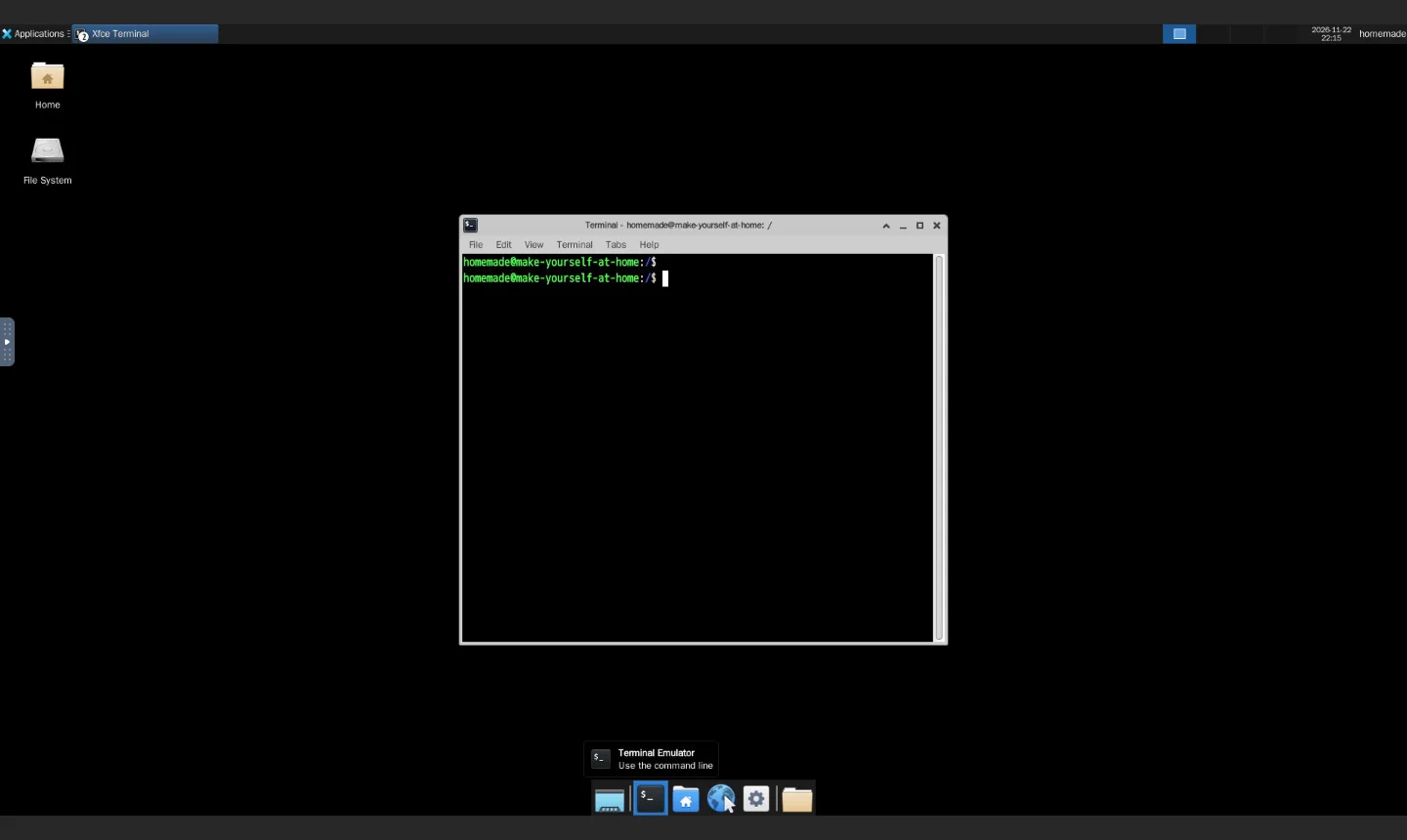
When a terminal is not enough, there is a live desktop in the browser.
Try it
There is a free Hobby plan with 25 computer-hours a month, 1 computer at a time, and the nano or tiny size. A sleeping computer doesn't use your hours, so you can leave work for lunch and come back to it. The rest is on the pricing page.
Come and try it. Make yourself at home.
Try Homemade
Every project gets its own cloud computers, with Claude Code and Codex signed in. The Hobby plan is free.
Keep reading
All postsStop running your project on your laptop
Ports collide, worktrees pile up and nobody can see your branch. Give every task its own cloud computer instead, with a link per service you can share.
3 min readNews
Sleep and wake, explained
What happens when a cloud computer goes to sleep: it keeps your terminals and running programs, wakes from a preview link, and costs nothing while asleep.
5 min readEngineering
Running Claude Code and Codex in a cloud computer
How to run Claude Code and Codex in a cloud computer: sign in once, start agents in parallel on their own branches, and review from any device.
6 min readGuides